 LoRA Dataset Studio
About 25 varied images make a balanced character LoRA, and 25 varied images beat 60 near-duplicates. LoRA Dataset Studio (LDS) sets a minimum per model family, 12 for Z-Image, 15 for Krea 2, FLUX.1 and FLUX.2 Klein and 20 for SDXL, with 20 to 30 as the comfort zone. Balance matters as much as the count: a set of close-ups gives a LoRA that falls apart on full-body prompts, because it has never seen the body.
| Family | Minimum to launch | Recommended |
|---|---|---|
| Z-Image | 12 | 20 or more |
| SDXL | 20 | 30 or more |
| Krea 2 | 15 | 20 or more |
| FLUX.1 | 15 | 20 or more |
| FLUX.2 Klein | 15 | 20 or more |
| Anima, Qwen-Image 2.1 | 12, the default (no family-specific value) | 20 or more |
The minimum is a quality guard-rail. Below it, the readiness panel turns red and offers a Continue anyway checkbox; the launch is then recorded as "acknowledged not-ready" in its saved config. That path is meant for deliberate experiments, and the usual result is an overfit LoRA. A run with zero kept images is never allowed.
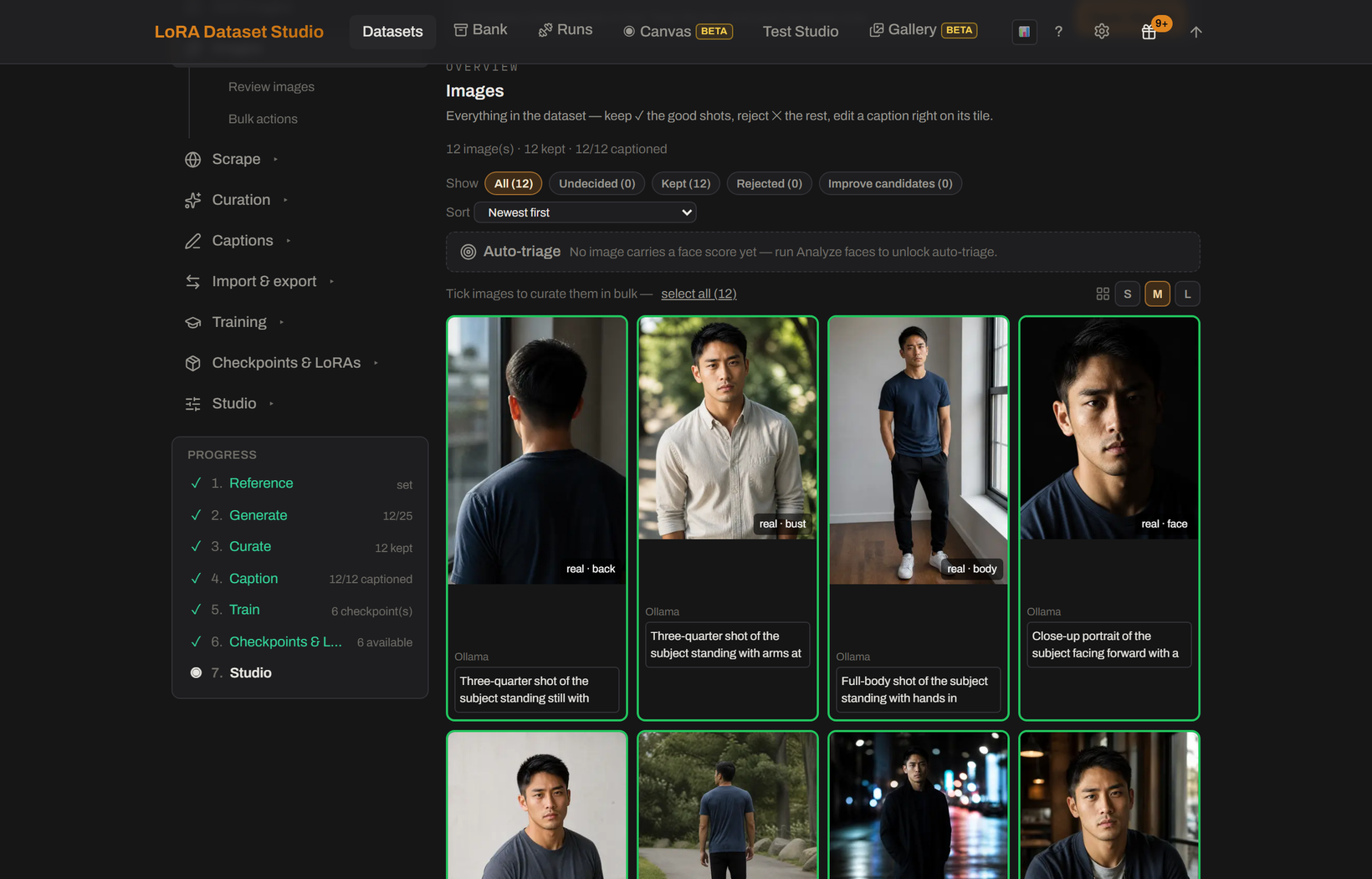
The Composition bar on the dataset page counts four shot types against a target of 12 face, 6 bust, 6 body and 1 back shot, about 25 images. Body fidelity mode moves the target to 8, 8, 8 and 2 when body shape and body marks should bind to the trigger too.
Only images with a shot type count. Images imported without the head-crop option have no shot type yet, and an unknown image counts for nothing in the bar. Classify framing, right under the bar in Add images, sorts them with the local vision model (Ollama or LM Studio); images it cannot read stay unknown. Cropping an image clears its shot type, so classify again after cropping.
- Change location, lighting, outfit, pose, expression and camera angle. Whatever repeats gets baked into the LoRA: a background wall that appears in every image becomes part of the person.
- Reject near-duplicates. Two frames of the same shot teach nothing and overweight that look; the pre-flight check flags such pairs so you can reject one of each.
- Hold a quality floor: no motion blur, no heavy compression, a readable face. One bad image does more harm than one good image does good.
- A full Composition bar does not prove variety: twenty-five front-on studio portraits in one outfit fill it completely. The Coverage panel reads your captions and names what the set never shows, such as profile views, daylight or a second outfit.
For a character LoRA, LDS sets the step count from the kept images: about 120 steps per image, rounded to the hundred and kept between 1,500 and 3,500.
| Kept images | Automatic steps |
|---|---|
| 12 | 1,500 |
| 15 | 1,800 |
| 20 | 2,400 |
| 25 | 3,000 |
| 30 and more | 3,500 (cap) |
Past about 30 images the step count stops growing. A high LoRA rank on a small set memorizes it, so raise the rank to 48 or 64 only for a hard identity and a bigger dataset. Concept and style datasets follow their own step policies; see style and concept LoRAs.
- The counts are guard-rails, not guarantees. Variety, captions and the checkpoint you pick decide the result.
- Classify framing needs a local vision model and the GPU; it waits for a running training instead of competing with it.
- Slider LoRAs, a beta feature, use a separate floor of 4 images with 12 recommended, because their images only serve as a denoising substrate.